 ArchMM
ArchMM for iPhone
Architectural scale, without the guesswork.
Convert full-size feet and inches into model millimeters—or work backward from a model measurement—without stopping to rebuild the math.
Made for the model shop
The conversion you need, in the units you actually use.
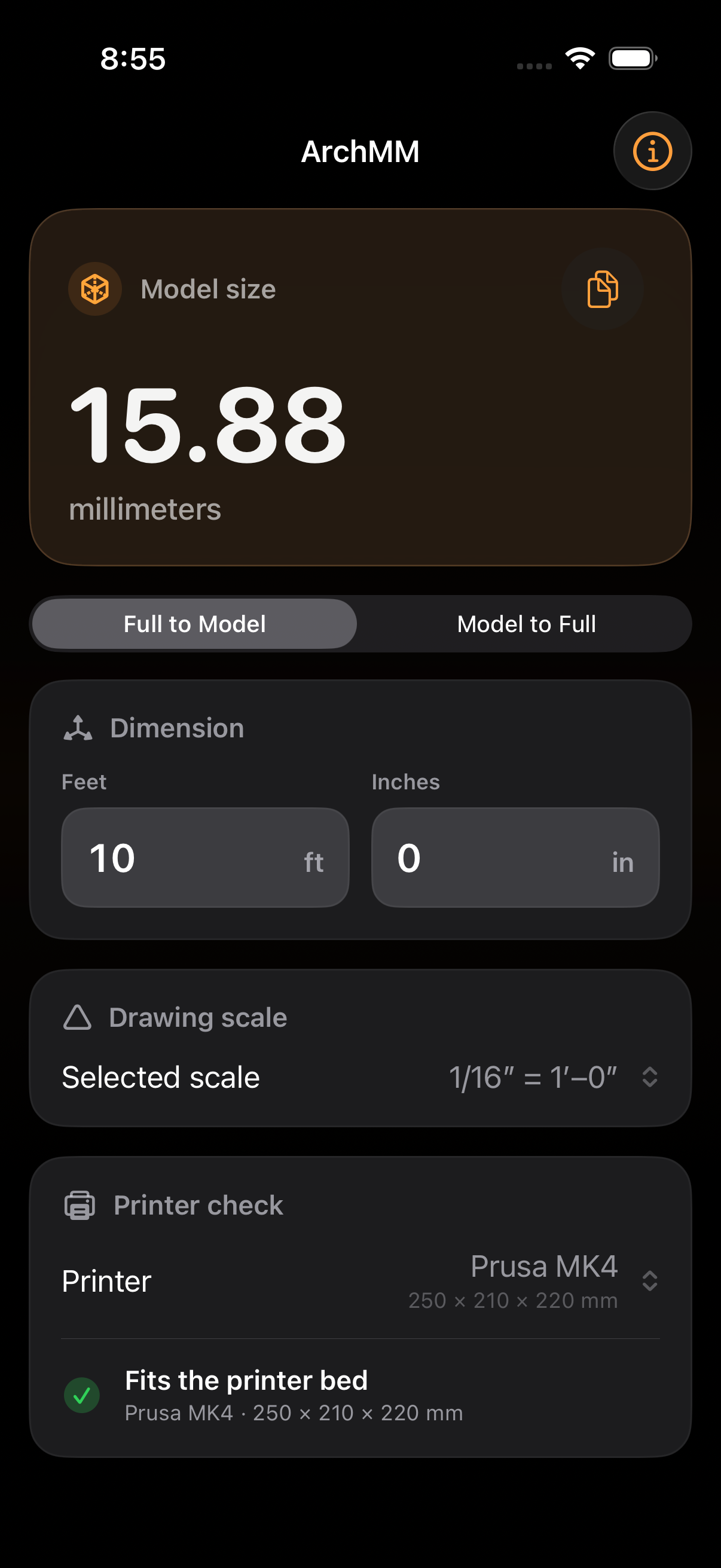
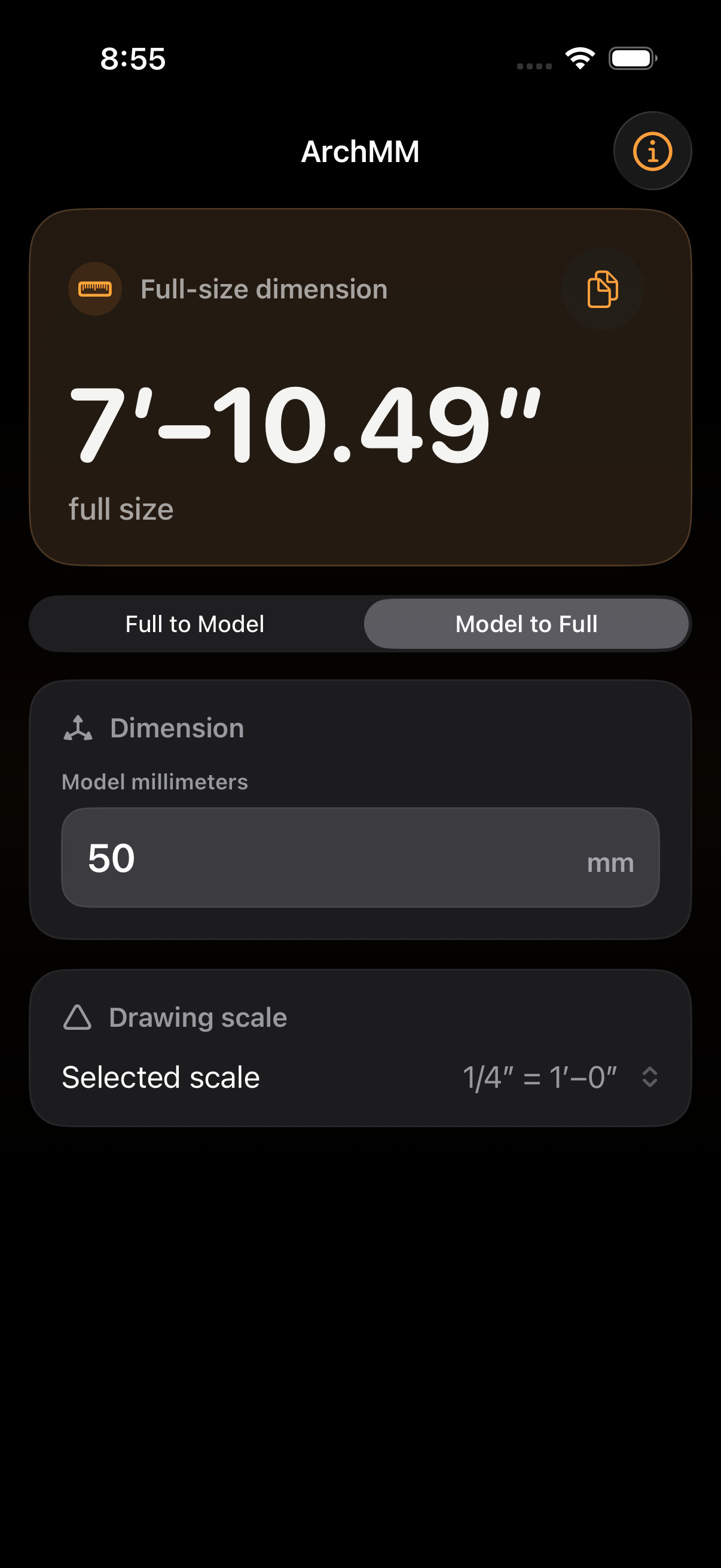
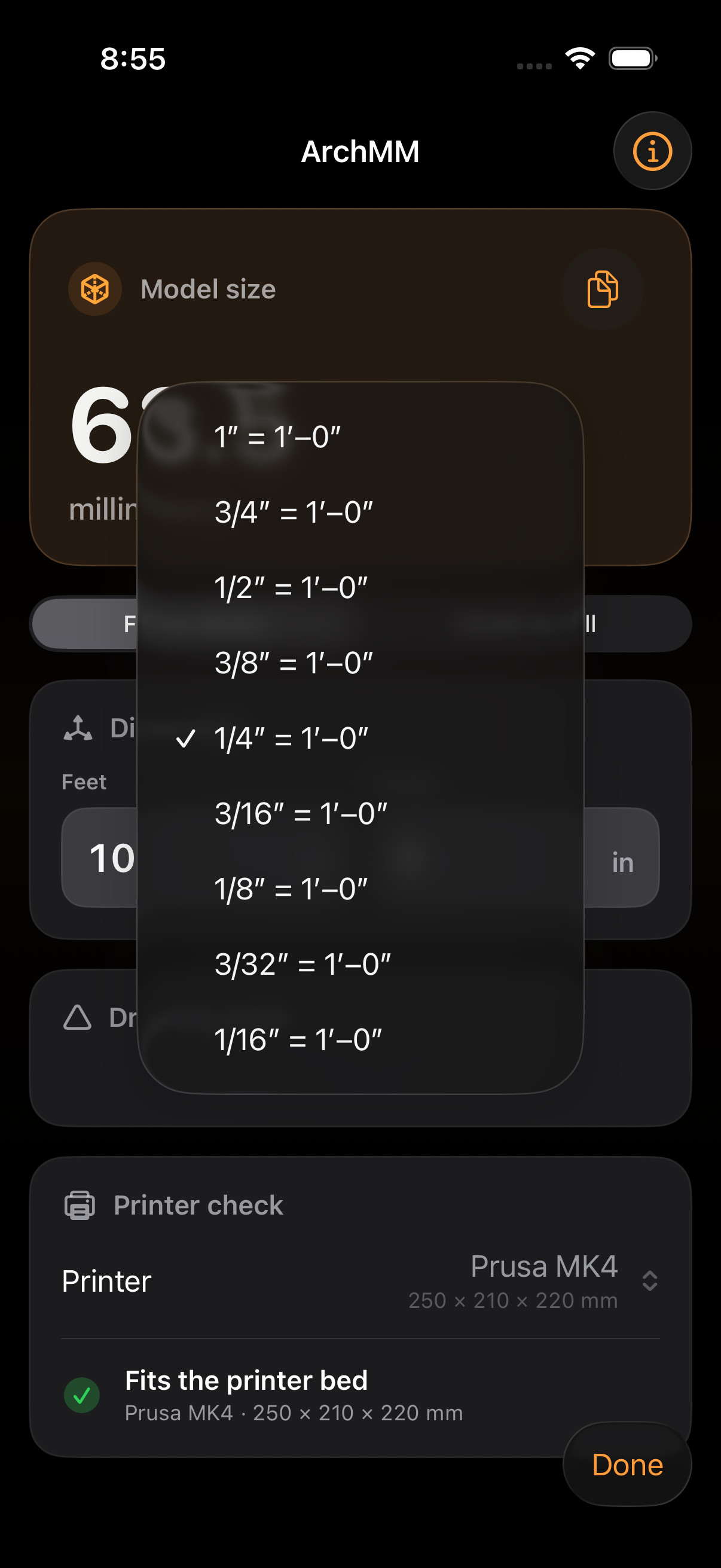
ArchMM is for scenic designers, model makers, architects, and students moving between full-scale dimensions, architectural scales, and millimeters. Choose a scale from 1:1 through 1/16" = 1'-0" and see the result immediately.
The app on iPhone
One conversion, always in view.
Move in either direction, choose the drawing scale, and check the result against the printer you use.
Convert both ways
Move from feet and inches to model millimeters, or enter the model measurement to recover the full-size dimension.
Check the print bed
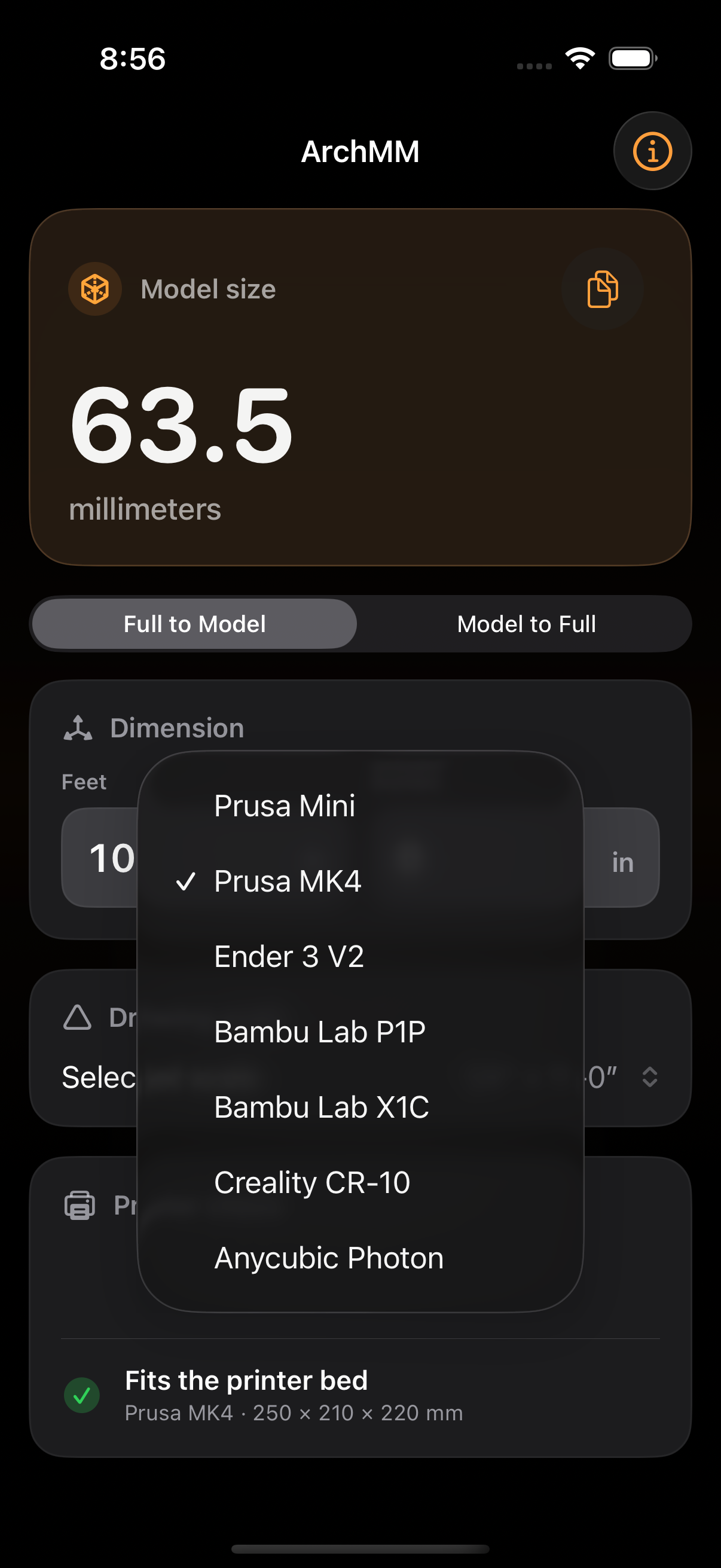
Compare the converted length with common Prusa, Bambu Lab, Creality, Ender, and Anycubic printer beds.
Keep it focused
No account, ads, analytics, or network connection. Your selected scale and printer stay on your iPhone.
Web companion
Need the calculation now?
The original Scale Calculator remains available in your browser while ArchMM is being prepared for the App Store.
Measure the design. Build the model.
ArchMM is being prepared for its first iPhone release. App Store availability will be posted here when the listing is live.