Projects
Keep every image connected to the work it documents—along with project type, dates, venue, collaborators, credits, and descriptions.
Foli features
Each workspace begins with the same managed project records, so images, credits, and professional data can move into finished work without being re-entered.
Keep every image connected to the work it documents—along with project type, dates, venue, collaborators, credits, and descriptions.
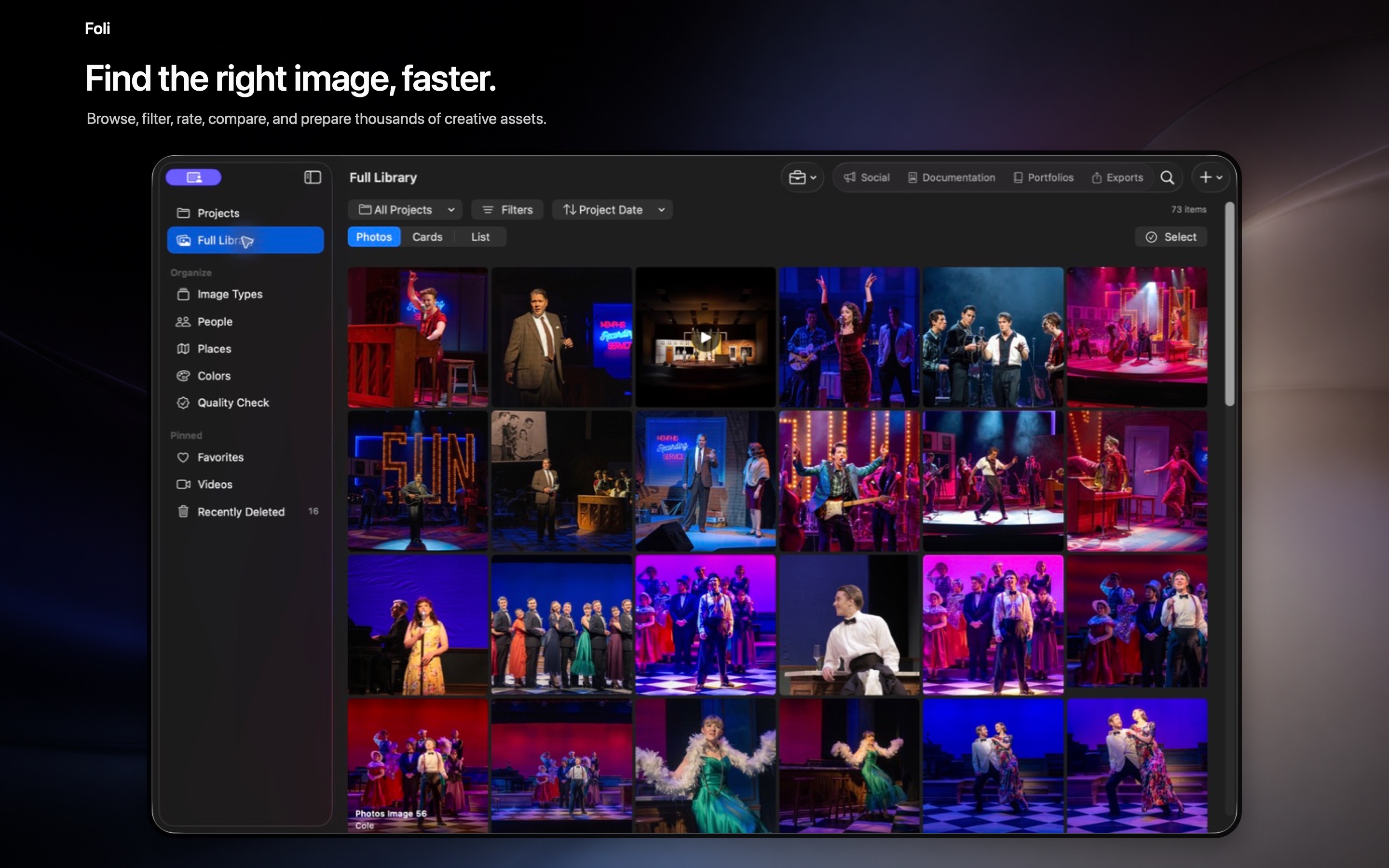
Browse across every project, filter without losing context, compare images, rate favorites, and find useful work without rebuilding folders.
Start with discipline-aware categories, hide what you do not need, and add the terminology your own practice uses.
Review similar images, dimensions, missing information, and possible issues while preserving the managed original.
Create saved single posts and carousels from project media. Foli prepares the design; it does not require access to a social-network account.
Maintain reusable career and project records, then assemble more than one résumé or CV without retyping the same credits.
Build wide, editable portfolios, books, process case studies, photography sequences, PDFs, and presentation-ready stories.
Prepare selected images and packages with useful formats, dimensions, filenames, credits, and optional text data for the next destination.
Projects, images, professional data, and the finished materials they become remain connected.